Timesheet to payroll
- →Hours & breaks recorded
- ↓Estimated pay from pay rates
- ↓Manager review & approve
- ↓Export timesheet with pay amounts
- ↓Check totals
- ↓Export payroll PDF or Excel

Rostering, time tracking, staff, leave, tasks, documents, workflows and payroll-ready timesheets — connected in one simple platform.
Most teams juggle rostering in one tool, timesheets in another, leave in a spreadsheet, and day-to-day work in group chats. Nothing connects — and managers spend the week chasing updates.
Rostrix brings the operation together.
From people on the floor to payroll-ready hours — the same data flows through every step.
Product preview
Rostered vs clocked, target hours, leave and approvals — one dashboard for the whole business.
Rostering, time, ops — and notifications that reach phone and desktop.
People
Staff profiles, employment information, roles, documents and history — not scattered across spreadsheets and chat.
Show the handoffs that used to live in memory and message threads.
Ask real questions about your roster, staff, leave, tasks and operations.
Rostrix Bistro
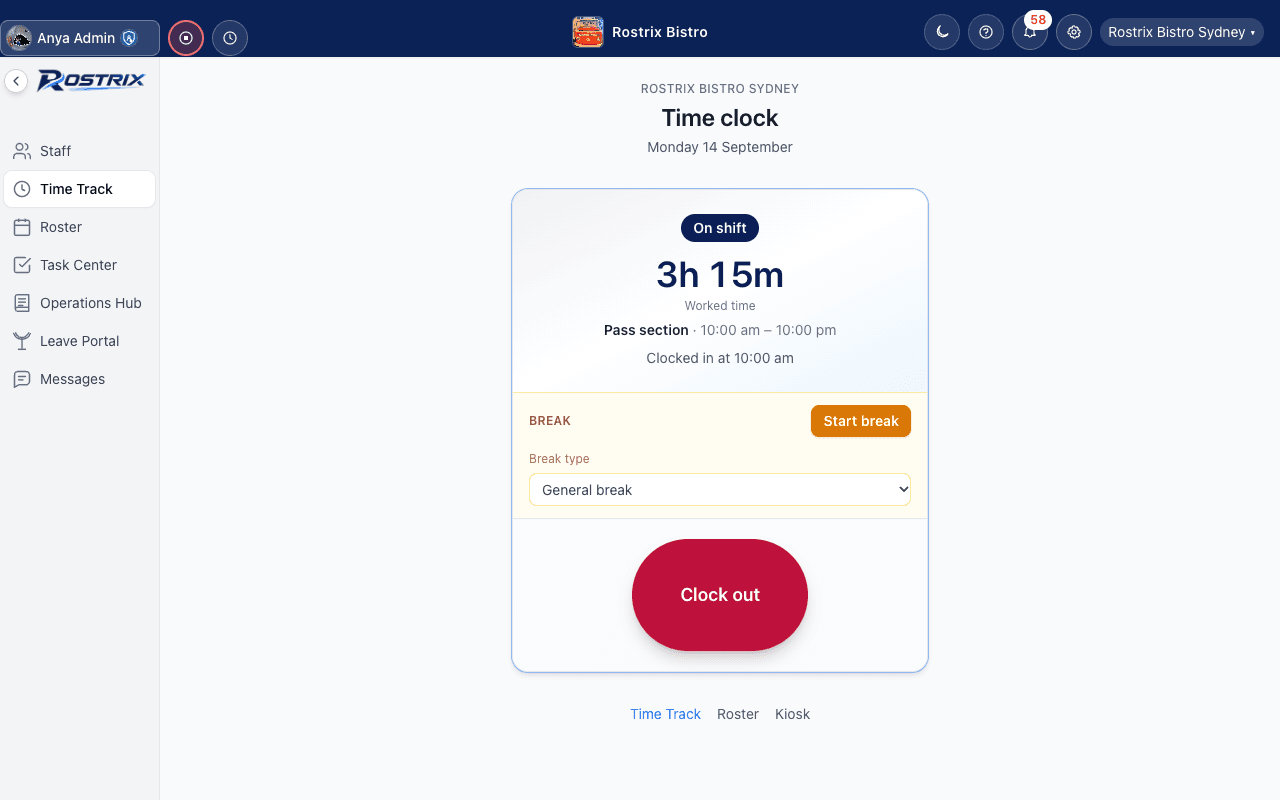
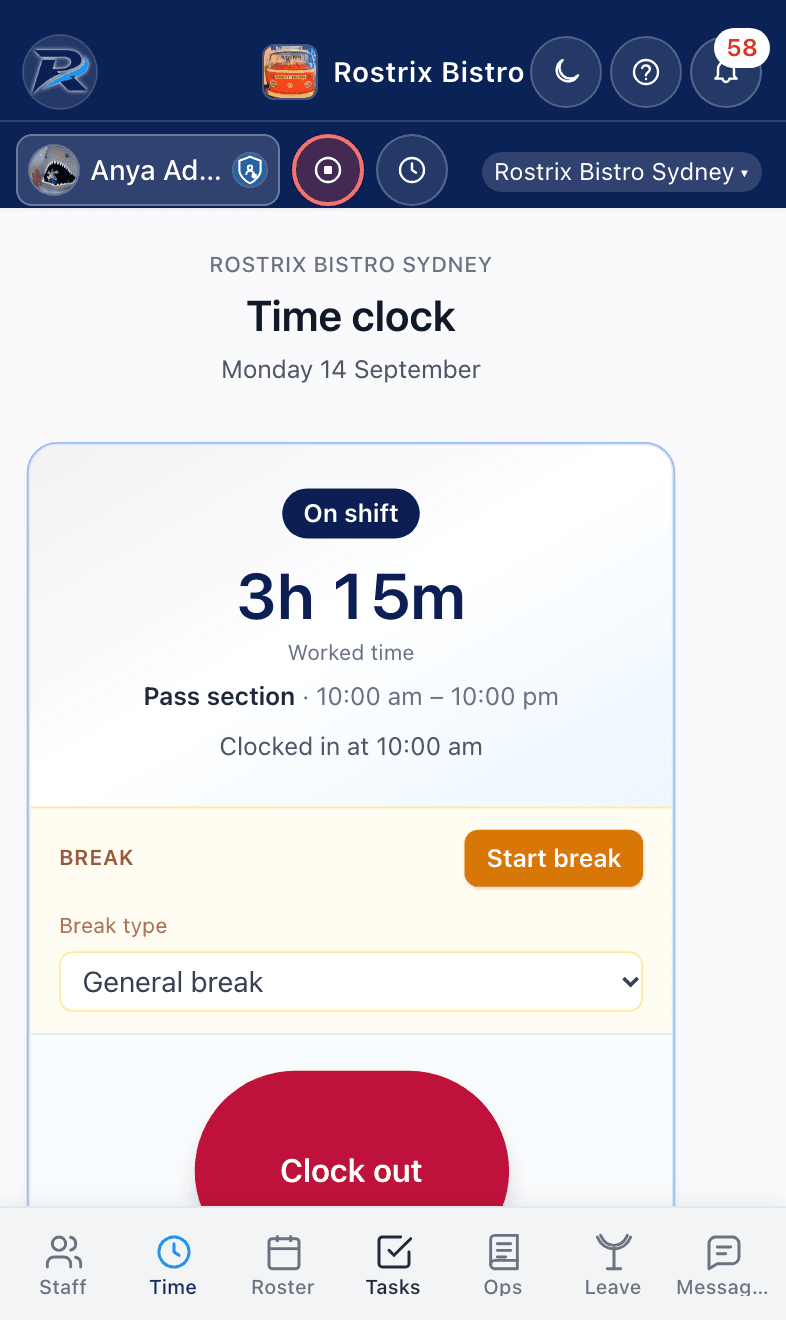
Desktop and mobile — real screens from Rostrix Bistro Sydney.
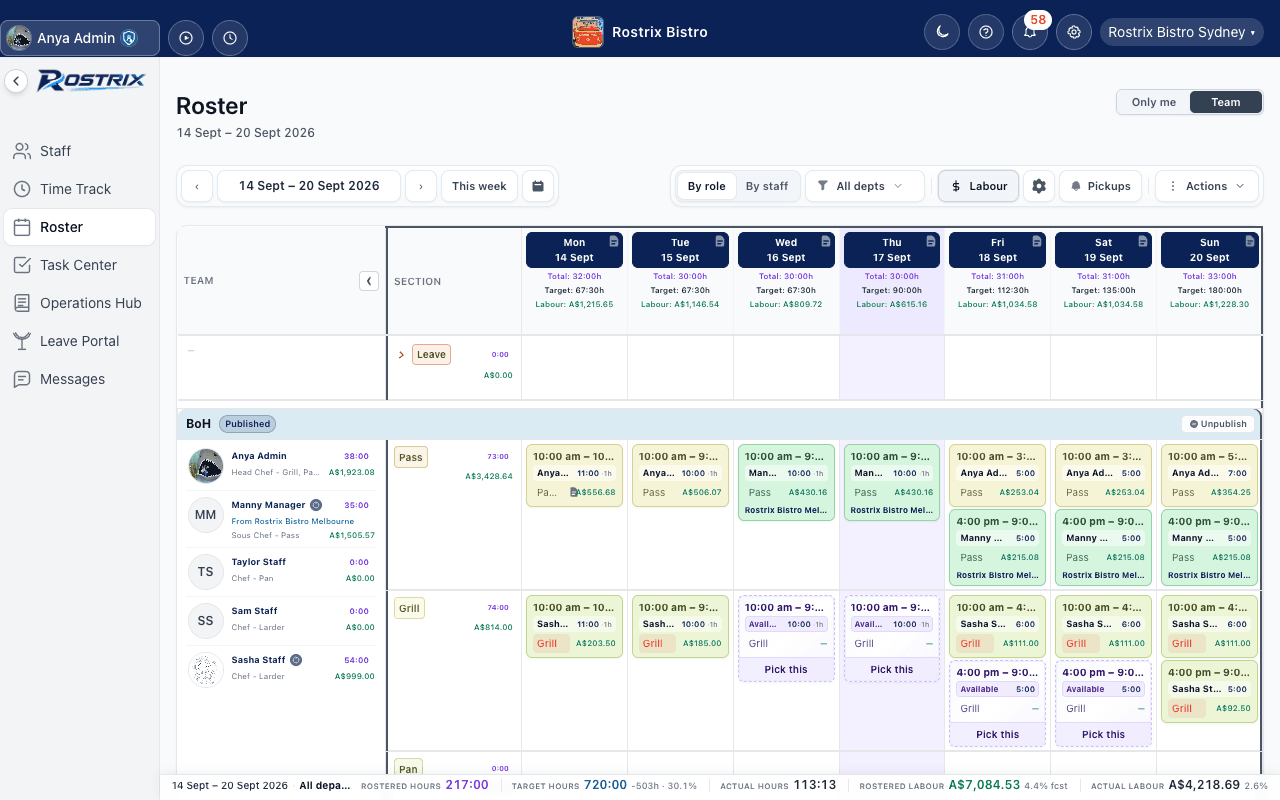
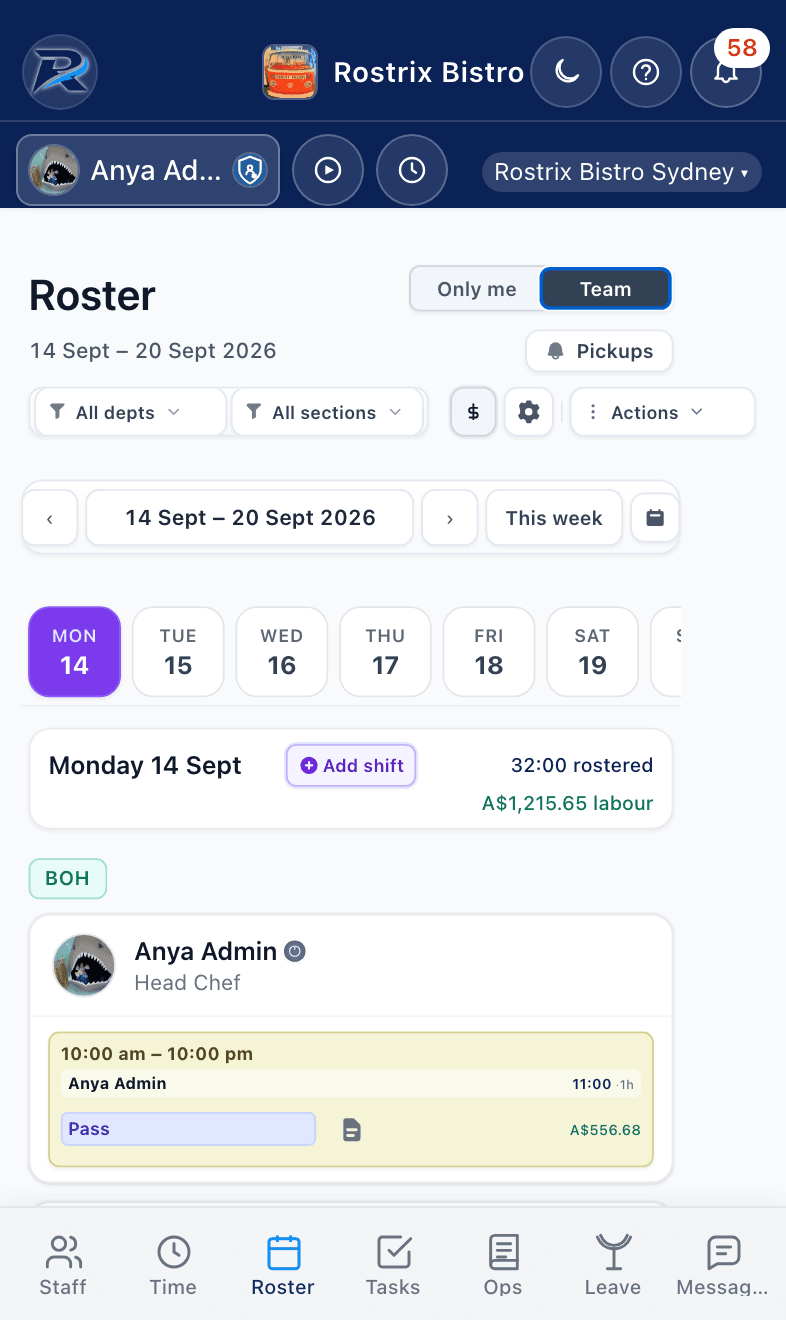
Published roster
Week grid with shifts, hours and labour
Restaurants, cafés, venues, retail and groups that need one control centre.
Shifts, sections, clock-in and day-of ops without five different apps.
Staffing, leave and tasks that stay aligned across the week.
Group visibility for management. Local control for each venue.
See the business, not just the spreadsheets.
Turn standards into repeatable operations.
Run today's operation without the chaos.
Know what you need to do and when.
BUSINESS
Each location contains
Management gets group-level visibility.
Venue managers get location-level control.
Compare rostered hours, actual hours and estimated labour cost using the pay rates you've configured.
Rostrix does not guarantee savings. Timesheet pay and labour cost are estimated from configured pay rates. Square can be connected from Settings. Sales-based labour % still uses your forecast until live sales sync is available. Results vary by business.
See how many labour hours your forecasted sales can support — daily or weekly.
Period
At 1.00, that is about 100 hours per $10,000 net sales. Target hours = ((100 × net sales) ÷ 10,000) × hours factor
Starting example is a factor of 1.0, about 100 hours per $10,000 net sales. The slider runs from 0.5 to 1.5 (about 50 to 150 hours per $10,000). In Rostrix, each business sets its own hours factor in labour planning settings.
Illustrative estimate
Illustrative estimate only. Actual results vary by business, wage mix and how you roster. This is not a guarantee of labour cost or savings.
15 employees · 1 location · $0
$0
All current platform features on Free — limited by team size and locations, not by locking tools away.
Start FreeLive connections available today.
POS

More on the way
Payroll

More on the way
Square POS and Xero Payroll connect from Settings → Integration.
Role-based permissions, organisation-level access controls, and clock-in location only when enabled — not continuous tracking.
View security →